

Are slow systems getting in the way of document access or filings?

Are IT issues taking too long to reach the right technician?

Vendors push solutions that do not consider how your people work.

Are slow systems making reporting or client work harder to manage?

Are IT issues taking too long to reach the right technician?

Do your accounting platforms need to stay fast, secure, and always available?

Are clinicians losing time waiting on EHRs or practice management tools?

Are network issues or frozen systems slowing down intake, billing, or telemedicine?

Is support taking too long in moments when your team needs help right away?

Are teams re-entering the same information in multiple places?

Are updates getting lost between departments, systems, or vendors?

Is it harder than it should be to see job status, capacity, or bottlenecks?

Is dispatch re-entering the same information in multiple systems?

Are warehouses relying on spreadsheets, workarounds, or bad data to keep work moving?

Do drivers, fleet teams, and office staff lack the real-time visibility they need?

Are field teams losing time when systems freeze or jobsite access fails?

Are files, updates, or design revisions getting stuck between the office and the field?

Are disconnected tools making collaboration harder than it should be?

Is your team losing time to recurring tech issues that should already be solved?

Are slow systems or connectivity problems making it harder to serve clients?

Is technology starting to feel harder to manage as your business grows?

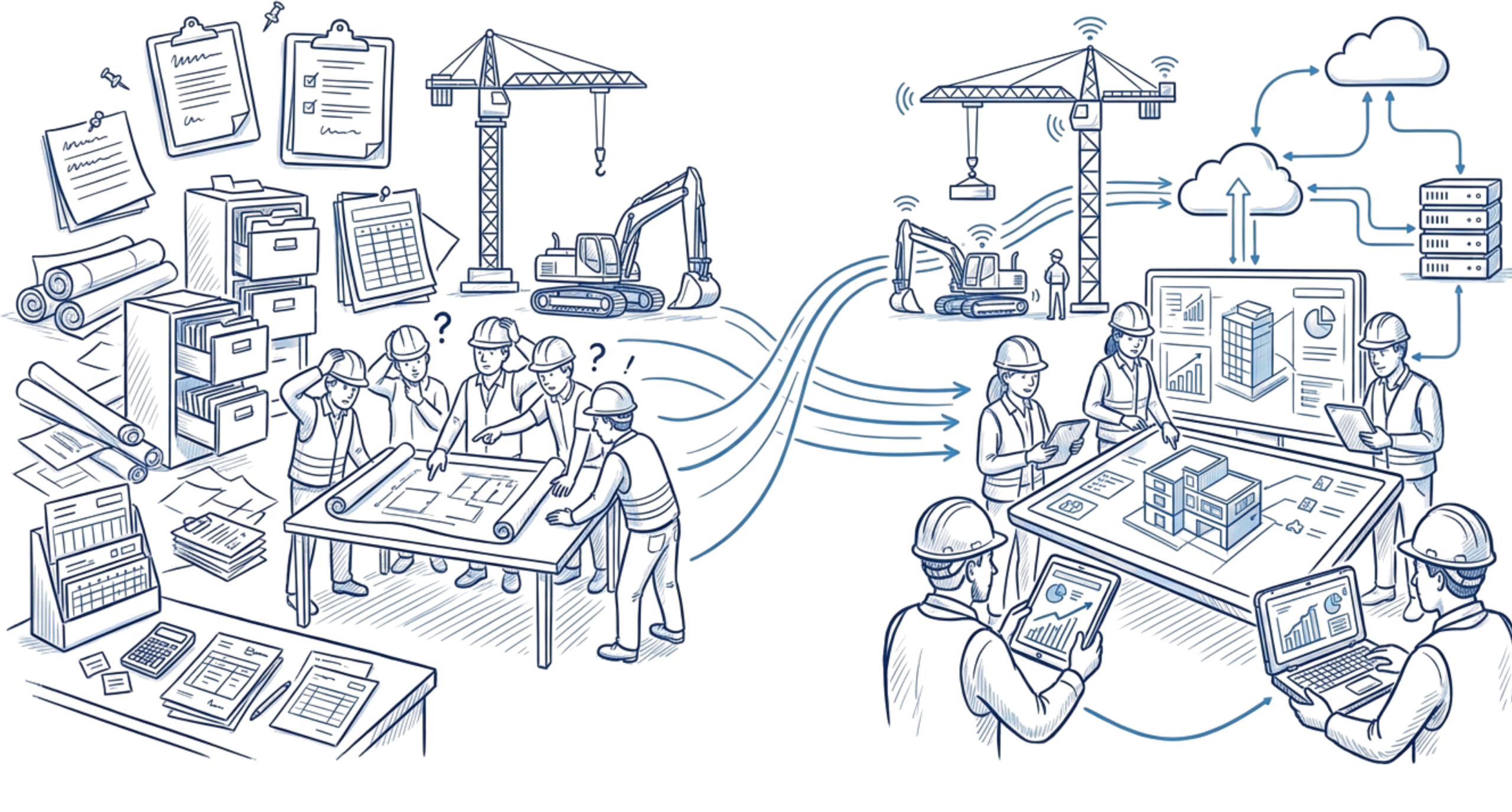
What Better Construction Operations Can Look Like

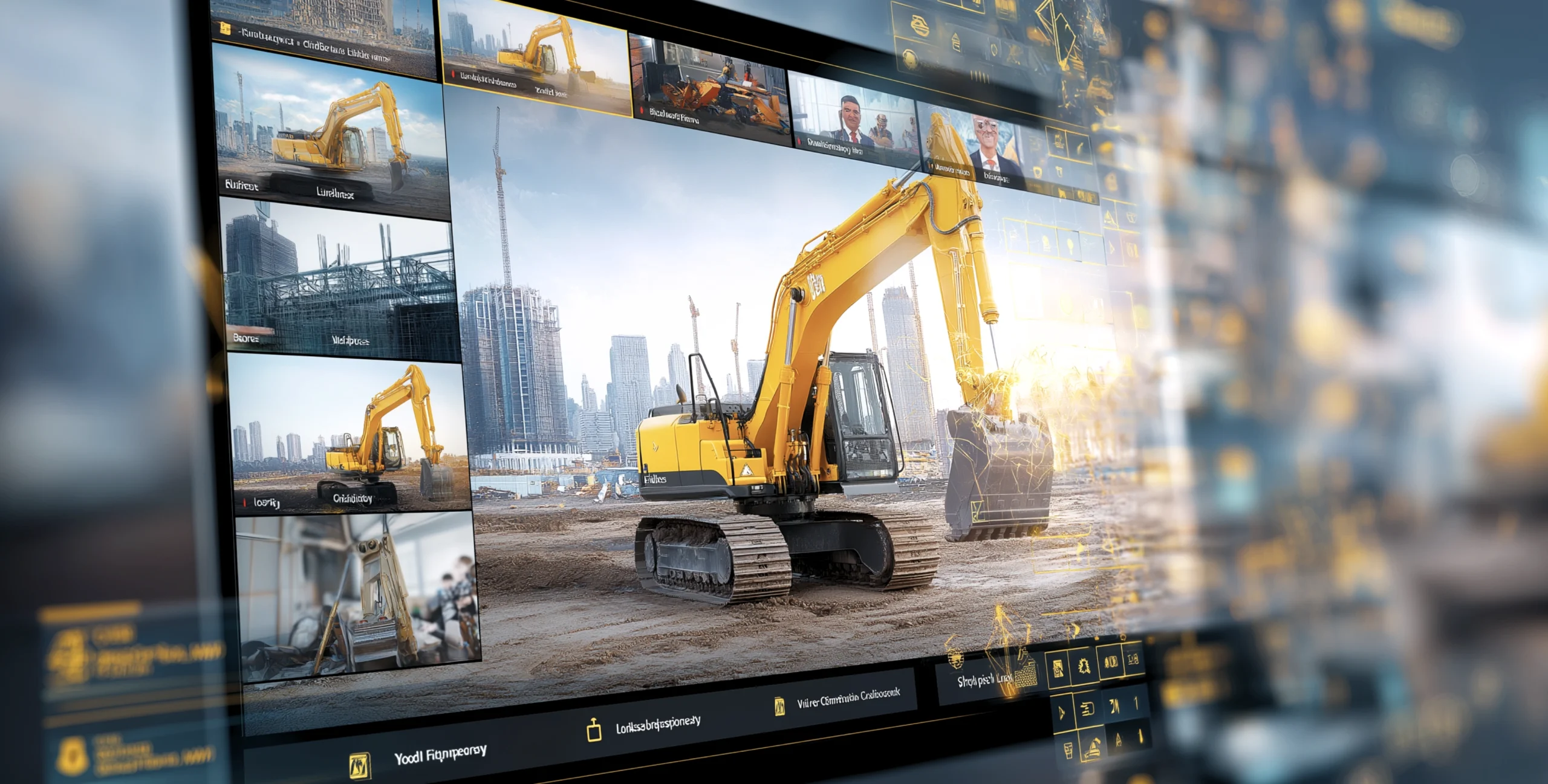
Construction firms need more than generic IT. They need support that keeps projects moving and systems that help the office and field work from the same information.

Your teams get help fast

Project timeline optimization

Resource allocation automation

Safety compliance monitoring

Cost estimation & budgeting

Keep Projects Moving With a Practical Plan

Construction technology changes need to work across field teams, office staff, and active jobs. The goal is to improve the right areas without slowing down the work already in motion.

Identify Where Workflows Break Down

Look at where file access, communication, design updates, or disconnected tools are slowing down coordination between the office and the field.
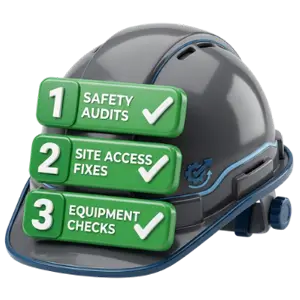
Prioritize the Right Fixes

Start with the changes that improve access, visibility, and day-to-day execution for PMs, superintendents, and field teams. Focus on the areas creating the most friction.
Implement in Phases

Make updates in manageable phases so teams stay supported while systems, access, and workflows improve over time. This helps reduce disruption as changes are made.

GiaSpace helps MDS Builders
update outdated
technology, protect business data, and keep operations running more reliably.

Take Back Your Time

Your team should not have to lose time to slow systems, support delays, or disconnected workflows. Better technology support should make projects easier to manage, not harder.
With the right support in place, your projects can stay more connected, your teams can make faster decisions, and your operation can move with less friction from bid to closeout.
question-mark

Common Questions Construction Firms Ask

Get answers about fast response, connected systems, and next steps for construction IT support.

Yes. The goal is to keep your current tools reliable, secure, and easier to use together, not force unnecessary change. That can include support for project management platforms, design tools, file-sharing systems, communication tools, and accounting software your team depends on across the office and the field.
It starts with making sure teams can access the files, systems, and updates they need without unnecessary delays. That can include secure remote access, stronger connectivity, centralized file access, and better support for the tools that keep office and field teams working from the same information.
Yes. Construction firms often need protection that goes beyond basic support. That can include ransomware protection, backups, MFA, disaster recovery, and support for cyber-insurance requirements or project-related compliance needs tied to the work you do.
Construction firms often need more than day-to-day support. They may also need help planning upgrades, coordinating vendors, scoping projects, and improving the systems that support communication between the office and the field. A stronger strategy helps technology changes happen in the right order and with less disruption.
No. Fast support and uptime still matter, but the bigger goal is helping construction firms work more efficiently. That can mean improving field-to-office collaboration, reducing workflow friction, strengthening access to drawings and files, and making technology easier to manage across projects.